
Extracting Scarygirl's Audio
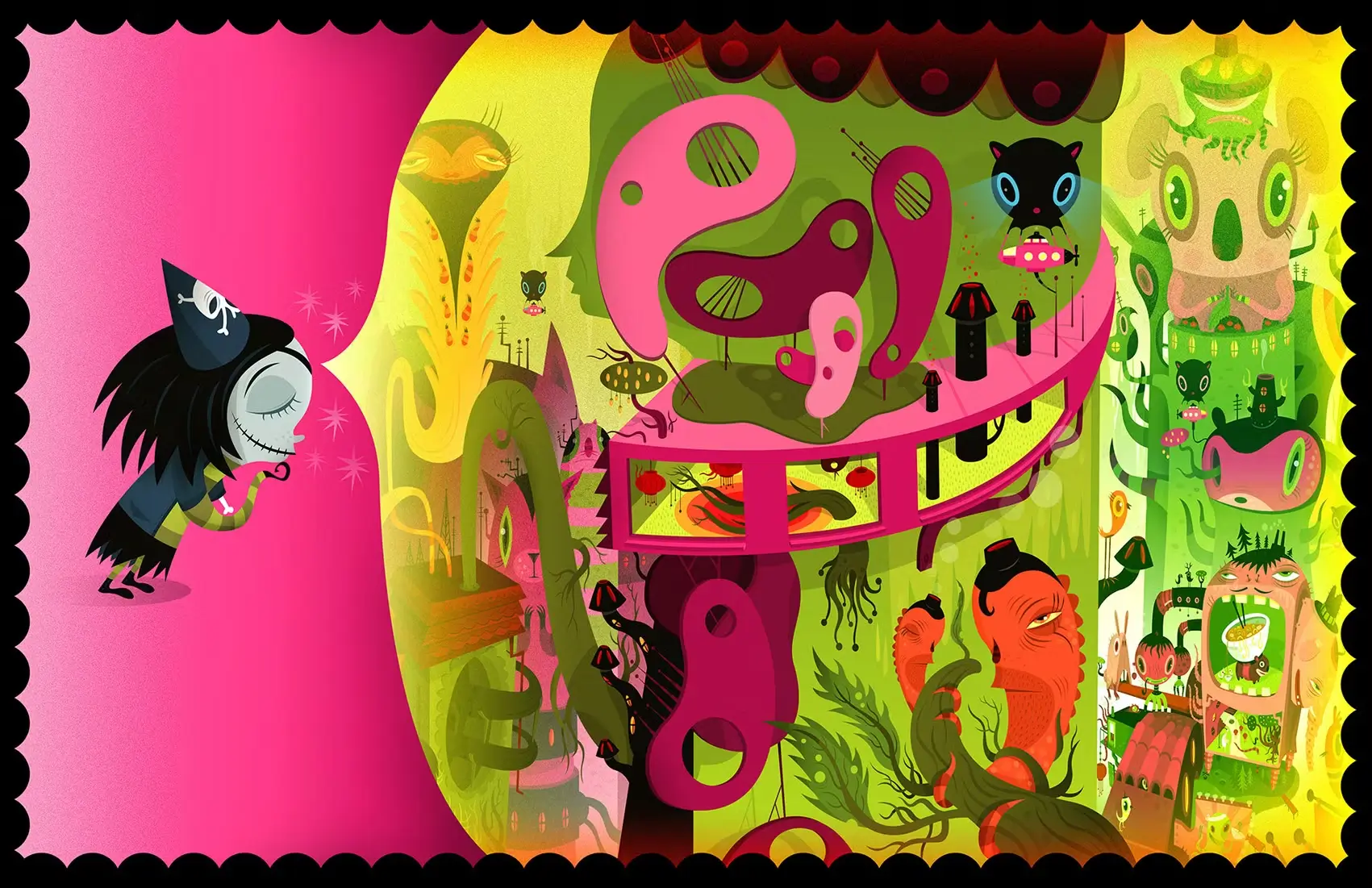
ScorpionCard has loved Scarygirl longer than I’ve known them. While working on Midnight Glasshouse, he needed the original soundtrack from the 2012 PC version for some reference material.
The problem is that Scarygirl stores its audio files as .str files, and nothing on our systems would open them.
Note
If you’re just here for the source, it’s this way.
Navigating Dead Ends
The Steam release stores its sounds in files with hash-like names, 0B4882E8DFE81F17.str and similar. I immediately tried VLC and ScorpionCard suggested Handbrake. Even the file command reported nothing more helpful than “data.”
Googling proved to be its own kind of obstacle. The .str extension is shared by several unrelated formats, most famously PlayStation CD-ROM video streams. While many searches were dead ends, a few useful leads I found correctly indicated that the game runs on the Vicious Engine, and in 2012 someone did post a Windows converter! Of course, the download link was another dead end. Unrelated, while the console versions reportedly work with vgmstream, the PC files do not.
No modern public tool filled this specific void. So, it was time for the hex editor.
The Format is Sixteen Bytes
I opened a file and inspected the first few lines:
$ xxd -l 64 0B4882E8DFE81F17.str

00000000: 0100 0200 44ac 0000 10b1 0200 0400 1000  ....D...........
00000010: 4c49 883f 2800 aef3 e5f4 b8f7 6ffd 6700  LI.?(.......o.g.
00000020: 6e00 5e02 37fa ea00 30f7 22ff e8f9 21fe  n.^.7...0."...!.
00000030: f0ff 5cfc 3a03 75fa d7f7 86f7 c2ea 58f7  ..\.:.u.......X.
Reading the first sixteen bytes as little-endian, a pattern emerged:
| Bytes | Value | Meaning |
|---|---|---|
01 00 |
1 | Format tag 1 (WAV code for plain PCM) |
02 00 |
2 | Two channels (stereo) |
44 ac 00 00 |
44100 | Sample rate in Hz (0xAC44 is CD quality audio) |
10 b1 02 00 |
176400 | Byte rate (44100 × 4, as 16-bit stereo) |
04 00 |
4 | Block align (2 channels × 2 bytes per sample) |
10 00 |
16 | Bits per sample |
Those six fields are the PCMWAVEFORMAT, the ‘payload’ of a WAV file’s fmt chunk.
Sanity check: the bytes immediately following the header
aef3 e5f4 b8f7...decode to a clean waveform.
We can infer that Scarygirl .str files are WAVs where the payload lacks the surrounding RIFF container. The files are followed immediately by raw interleaved 16-bit little-endian samples. Every standard player refused because demuxers couldn’t find the absent RIFF and WAVE bytes.
What a huge relief. This is just standard PCM and not some strange exotic audio. The actual fix is easy!
Back to WAV
Manually, the conversion is a one-liner. Skip the 16-byte header and tell ffmpeg exactly what it’s looking at.
$ tail -c +17 0B4882E8DFE81F17.str | ffmpeg -f s16le -ar 44100 -ac 2 -i - out.wavIt works, but ffmpeg prints a scary-looking error on the way out which initially concerned me:
Invalid PCM packet, data has size 2 but at least a size of 4 was expectedStereo 16-bit PCM comes in 4-byte frames. Because this file’s payload isn’t an exact multiple of 4, the last 2 bytes constitute an incomplete frame, which ffmpeg drops. This represents about 11 microseconds of audio… The error is purely cosmetic, the game’s sound designer left some ‘ragged tails’ on the files.
Writing the Tool
Since each file’s header announces its own format, a proper converter is straightforward. I wanted something that could:
- Parse the 16-byte header
- Filter for plain-PCM files (format tag 1)
- Ensure only complete audio frames remain
- Wrap those samples in a proper WAV container
Instead of manually building the WAV bytes (a tedious way to spend an afternoon) I used Python’s built-in wave module to handle the RIFF containerization. Here is the core logic:
    bytes_per_frame = channels * BYTES_PER_SAMPLE
    # Keep only complete frames
    payload = (size - HEADER_SIZE) // bytes_per_frame * bytes_per_frame

    with path.open("rb") as src:
        src.seek(HEADER_SIZE)
        pcm = src.read(payload)

    with wave.open(str(out_path), "wb") as wav:
        wav.setnchannels(channels)
        wav.setsampwidth(BYTES_PER_SAMPLE)
        wav.setframerate(rate)
        wav.writeframes(pcm)
The full script handles this in batches, supporting files, directories, and glob patterns. It reads the sample rate and channel count on a per-file basis (since voice lines are often mono or use different rates than music) then skips non-PCM files with a warning.
Note
Again, the source is available on GitHub! This tool targets the PC/Steam release only.
Epilogue
What started as a quick favor to get ScorpionCard some reference material, ended with him engrossed in the soundtrack during work sessions. (The OST is really good)
It’s a nice reminder that “unknown format” often means “almost known format.” Before descending into a rabbit hole of link rot, spend a minute with xxd. You might find a hidden gem of a soundtrack along the way.
Thanks for reading, see you around! ✧ ദ്ദി
 X
 Facebook
 LinkedIn
 Bluesky
Related Posts
01-09-2026
20-08-2026